
Why Roborock Fails to Map Entire House: Causes and Fixes
Is your Roborock skipping rooms or failing to map? Learn how to fix mapping errors, clean sensors, and get a complete floor plan for your home.
Roborock repair commonly involves issues related to navigation, power management, cleaning performance, and mechanical movement. In most repairs, users encounter symptoms such as mapping failures, charging problems, error codes, or reduced suction. A common pattern we see is that the robot continues to operate but behaves inconsistently, which often points to sensor contamination, battery aging, or drivetrain wear rather than complete component failure.
Over time, normal use and the operating environment contribute to these problems. Dust and fine debris can interfere with optical sensors and laser assemblies, repeated dock cycles accelerate battery degradation, and constant contact with floors and obstacles wears wheel modules and brush components. Homes with pets or uneven flooring tend to see these issues develop sooner due to increased debris load and mechanical stress.
Repair difficulty varies by fault. Routine service such as cleaning sensors, replacing batteries, or servicing wheels and brushes is generally low to moderate difficulty with high success rates. More complex issues involving navigation sensors, charging circuits, or internal wiring require careful disassembly and testing but are still commonly repairable when approached systematically. In most cases, main board replacement is not required.
Before replacing parts, isolate the failure. Many Roborock problems are resolved by thorough cleaning, reseating connectors, or correcting alignment and calibration issues. Diagnosis-first repair reduces unnecessary part swaps and helps restore reliable operation.
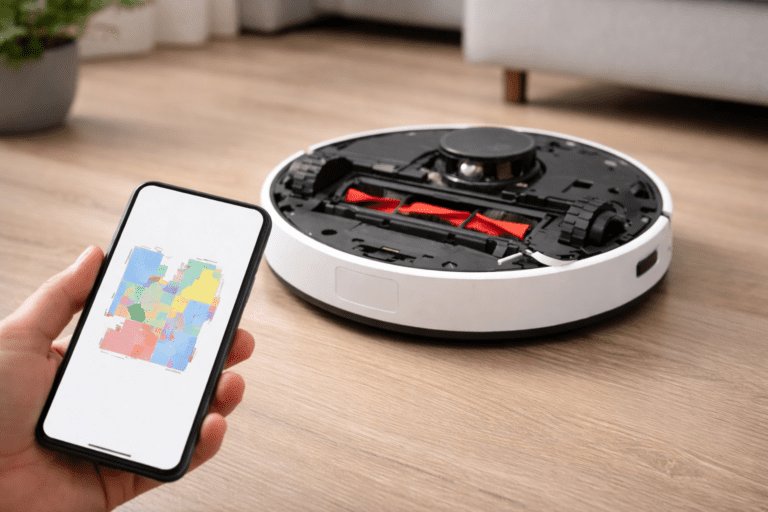
Is your Roborock skipping rooms or failing to map? Learn how to fix mapping errors, clean sensors, and get a complete floor plan for your home.
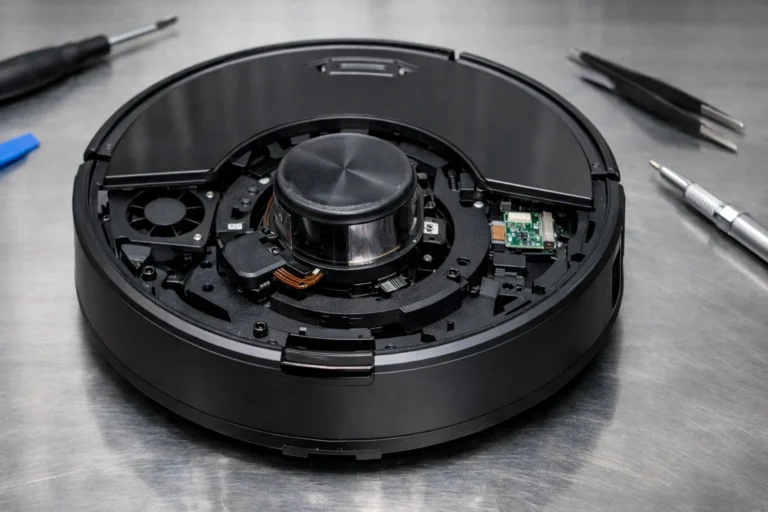
Is your Roborock laser turret not spinning? Learn how to fix Roborock Error 1 and clean the LDS sensor with this practical DIY troubleshooting guide.